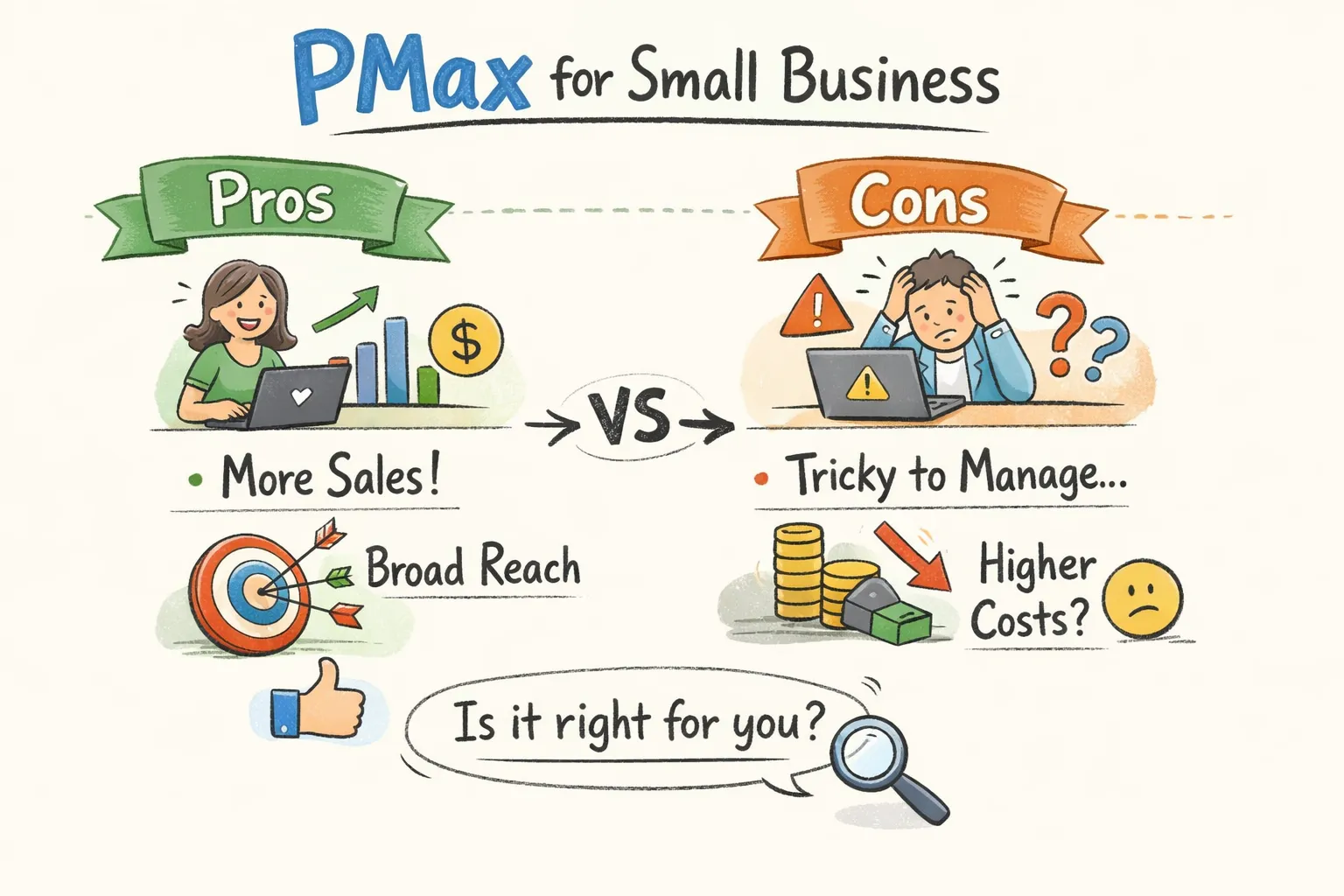
Is Performance Max worth it for small businesses in 2025? Google has been pushing Performance Max as the future of automated advertising for a few years now, and the pitch is compelling: one campaign, every channel, AI-optimized toward your conversion goals. But small businesses running PMax on lean budgets frequently encounter a different reality, inflated ROAS numbers, brand traffic getting cannibalized, and no clear picture of where the money actually went. The question isn't whether Performance Max works in theory. It's whether it works for your account, with your budget, your product catalog, and your conversion data.
This article breaks down the real advantages, the real risks, the budget thresholds that separate success from waste, and the specific business scenarios where PMax genuinely makes sense in 2025. If you already have a PMax campaign running, there's also a structured way to check whether it's set up correctly before you put more money into it. An impartial, automated review of your campaign configuration can save you from scaling a broken setup, and that matters more with Performance Max than with almost any other campaign type.
What Performance Max actually is (and why it's different from what came before)
How PMax consolidates Google's entire network into one campaign
Performance Max replaced Smart Shopping and Local campaigns and now runs across Search, Shopping, Display, YouTube, Gmail, Maps, and Discover from a single campaign structure, seven channels that previously required separate setups. You provide asset groups (headlines, images, videos, audience signals) and set a conversion goal. Google's AI decides where to show the ads, how to allocate the budget across channels, and how to optimize bidding. The appeal is obvious: one campaign handling inventory and reach that used to demand six or more separate campaign types. For small businesses with limited management bandwidth, that consolidation is genuinely significant.
Unlike Search or Standard Shopping, PMax offers no keyword-level bids, no channel-level budgets, and limited search term visibility. The AI controls the variables that advertisers used to manage manually, which is both the core advantage and the central risk for small advertisers who need to understand exactly what they're giving up.
Are hidden account issues quietly draining your budget?
CheckMyAds surfaces the exact keywords, components, and cost drivers behind waste so you know what to fix first.
Request Free AuditWhy this automation model changes the risk profile for small businesses
With traditional campaigns, a configuration error affects one part of your account. With Performance Max, a bad input, misconfigured conversions, missing audience signals, weak creative assets, gets amplified across every channel simultaneously at full spend. The AI optimizes toward whatever signal it receives. If that signal is wrong, it optimizes efficiently toward the wrong outcome. This is why setup quality determines almost everything with PMax, and why the pros and cons aren't really about the campaign type itself but about whether the conditions for it to work are actually in place.
The genuine advantages PMax offers small businesses
Broader reach with a single campaign structure
For a small business owner managing Google Ads without an agency, one campaign replacing separate Search, Display, and Shopping setups is a real operational win. Management overhead drops significantly. According to Google's internal benchmarks, PMax delivers 18% more conversions on average at a similar cost per action compared to Smart Shopping, and 12% higher conversion value versus its predecessor. These aren't trivial numbers when you're trying to grow on a limited budget. For independent performance context, see this performance benchmarks and analysis.
The case for Performance Max gets more concrete in eCommerce. devEdge documented a client switching from an underperforming Shopping campaign to PMax and achieving more than 5x ROAS after 60 days. Culligan dealers running local lead generation campaigns averaged 804% ROAS across 12 campaigns over a 12-month period. KEH Camera saw a 76.3% revenue increase after consolidating Smart Shopping campaigns into PMax. These results reflect well-optimized setups, not defaults, but they demonstrate what's possible when the conditions are right.
When the AI actually works in your favor
PMax performs best when it has strong conversion history and high-quality creative assets to learn from. For eCommerce businesses with 50-plus products, consistent traffic, and an existing account with conversion data, the multi-channel reach can surface demand that keyword-targeted Search campaigns simply don't reach. The AI finds users across YouTube and Discover who match your conversion patterns but would never appear in a Search query. That's the genuine incremental value Performance Max offers, and it's real when the account infrastructure supports it.
The risks and limitations SMBs discover too late
Attribution inflation and cannibalization of existing traffic
This is the most damaging silent problem with PMax for small businesses. The campaign claims credit for brand searches and conversions that would have happened anyway through your existing Search or Shopping campaigns. ROAS looks strong in Google Ads reporting, but incremental revenue is flat or actually negative. PMax competes with your branded Search campaigns internally, and last-click attribution assigns credit to PMax for conversions that your brand campaign already earned. The performance data looks healthy while the underlying economics are not.
Excluding brand traffic from PMax will cause a short-term drop in reported ROAS. That's not a failure, it's clarity. You're now measuring true non-brand performance instead of a blended number that includes conversions you were always going to get. Brand exclusions are strongly recommended whenever you have a dedicated branded campaign in place. Apply them before drawing any conclusions about PMax performance; without them, and without that separate branded campaign already running, the attribution data is structurally misleading.
What you can't see: placement opacity and spend allocation
PMax doesn't show a breakdown of where budget is distributed across channels by default. You can't easily tell whether your spend is going to YouTube, Display, or Search. This matters because Display and YouTube inventory can absorb significant budget from audiences with low conversion intent. Google added improved placement reporting in March 2025, but transparency remains limited compared to traditional campaigns. Without additional tooling or scripts, identifying wasted spend inside a PMax campaign requires deliberate investigation that most small business dashboards don't surface automatically.
Is Performance Max worth it for small businesses in 2025? Start with the budget and conversion thresholds
The minimum spend required before PMax starts learning effectively
The entry point for eCommerce accounts with 50-plus products is $1,500 to $2,000 per month, but Performance Max performs reliably above $3,000 per month. Below $2,000 per month, roughly $10 to $20 per day, a focused Search campaign targeting high-intent keywords will consistently outperform PMax because the algorithm doesn't have enough data to optimize across seven channels simultaneously. For more context and a complete walkthrough of PMax capabilities, see this complete guide to Performance Max (2025). Below that threshold, Standard Shopping delivers higher ROAS with better control and transparency.
For eCommerce specifically, PMax works well when you have 50-plus products in your feed and a monthly budget above $1,500. If you're running $300 to $500 per month on Google Ads, PMax is the wrong tool. Concentrate that budget on a tight Search campaign targeting your highest-intent keywords instead.
Why conversion volume matters as much as budget
PMax needs a minimum of 30 to 50 conversions per month to exit its learning phase reliably, with 50-plus per month the preferred threshold for stable bidding optimization across all channels. Without that volume, tROAS or tCPA targets are premature and cause erratic spending behavior. If your account is generating 5 to 10 conversions per month, PMax in its default configuration will spend through your budget without accumulating enough signal to make intelligent decisions. Start with Maximize Conversions (without a tROAS target) and only add a ROAS target once the account has sufficient data. The learning phase typically runs four to six weeks; evaluate performance only after that window closes. For a practical explanation of the PMax learning phase and how to avoid resetting it, see this learning phase guide.
When PMax makes sense for small businesses (and when it doesn't)
Business types and scenarios where PMax is likely to deliver
PMax is the right call when these conditions are met: you're running an eCommerce business with a product catalog, your monthly budget is above $2,000, you have an existing Search or Shopping campaign with conversion history, and you have quality creative assets including images, headlines, and at least one video. Local lead generation businesses with consistent monthly volume (the Culligan case), consolidated Shopping campaigns for mid-size catalogs (the KEH Camera model), and businesses pairing PMax with Search for incremental reach all appear repeatedly in successful implementations. These aren't edge cases, they're the pattern.
When Standard Shopping or Search will serve you better
There are clear scenarios where Performance Max is the wrong choice for a small business:
- Budgets under $2,000 per month
- Accounts generating fewer than 30 to 50 conversions per month
- Service businesses with a small set of high-value keywords
- B2B accounts with complex attribution or long sales cycles
- Any account with messy or unverified conversion tracking
In these scenarios, Standard Shopping or tightly structured Search campaigns give you more control, better attribution transparency, and faster optimization feedback. The research is consistent: Standard Shopping delivers higher ROAS for accounts under $3,000 per month because the AI in PMax doesn't have enough signal to outperform a well-managed manual setup at that spend level.
Before you scale your PMax campaign, check if it's actually set up correctly
The most common setup mistakes in small business PMax campaigns
Most PMax underperformance traces back to four configuration errors:
- Missing brand exclusions, the campaign cannibalizes branded Search traffic and inflates its own reported performance
- No audience signals provided, the AI starts learning from scratch instead of building on your existing customer data
- Conversion tracking errors, the AI optimizes toward phantom events or miscounted conversions
- Incomplete or low-quality asset groups, limits the AI's ability to test and find winning creative combinations
These mistakes are invisible in standard Google Ads dashboards. The campaign appears to be running normally while the AI is systematically optimizing toward the wrong things. By the time the problem surfaces in business results, months of budget have already been spent reinforcing a broken signal.
What a PMax audit should check before you add more budget
A proper audit covers five areas: verifying conversion tracking is firing correctly and attributed to the right events; confirming brand exclusions are applied; checking asset group quality scores and completeness; reviewing placement reports for low-quality inventory consuming budget; and comparing PMax performance against a holdout branded Search campaign to measure true incrementality. The goal is to catch setup problems before scaling budget amplifies them. Every dollar you add to a broken PMax campaign optimizes more efficiently toward the wrong outcome.
Run a CheckMyAds audit to see what's happening under the hood
CheckMyAds runs an automated audit of your Google Ads account in minutes using read-only access, so there's no disruption to your campaigns and it operates in line with our Terms of Service. It flags the issues that most commonly undermine Performance Max performance: incorrect conversion tracking, missing brand exclusions, low-quality asset groups, and inefficient spend patterns that don't show up in standard campaign views. For a small business owner or traffic manager who doesn't have time to manually trace through campaign settings, the output is a prioritized report with specific actions, not a generic list of observations.
Before you decide to scale your PMax budget or shut the campaign down entirely, run the audit. The answer to whether Performance Max is working isn't in the headline ROAS number. It's in the configuration underneath it.
So is Performance Max worth it for small businesses in 2025?
The honest answer depends on three factors working together. Your monthly budget needs to clear the practical floor of $2,000. Your conversion volume should reach 30 to 50 per month at minimum, with 50-plus preferred for reliable AI optimization. And your setup quality has to be clean: brand exclusions applied, conversion tracking verified, and asset groups built out properly. When those conditions are met, Performance Max can genuinely expand reach and lower cost-per-conversion in ways that manual campaigns can't replicate at the same scale.
When those conditions aren't met, PMax burns budget with limited transparency and produces metrics that look better than the underlying business results actually are. If you already have a Google Performance Max campaign running, audit it before you scale. Not because the campaign type is broken, but because setup determines everything, and a CheckMyAds audit takes minutes to tell you exactly what needs to be fixed before you commit more budget (see our pricing).