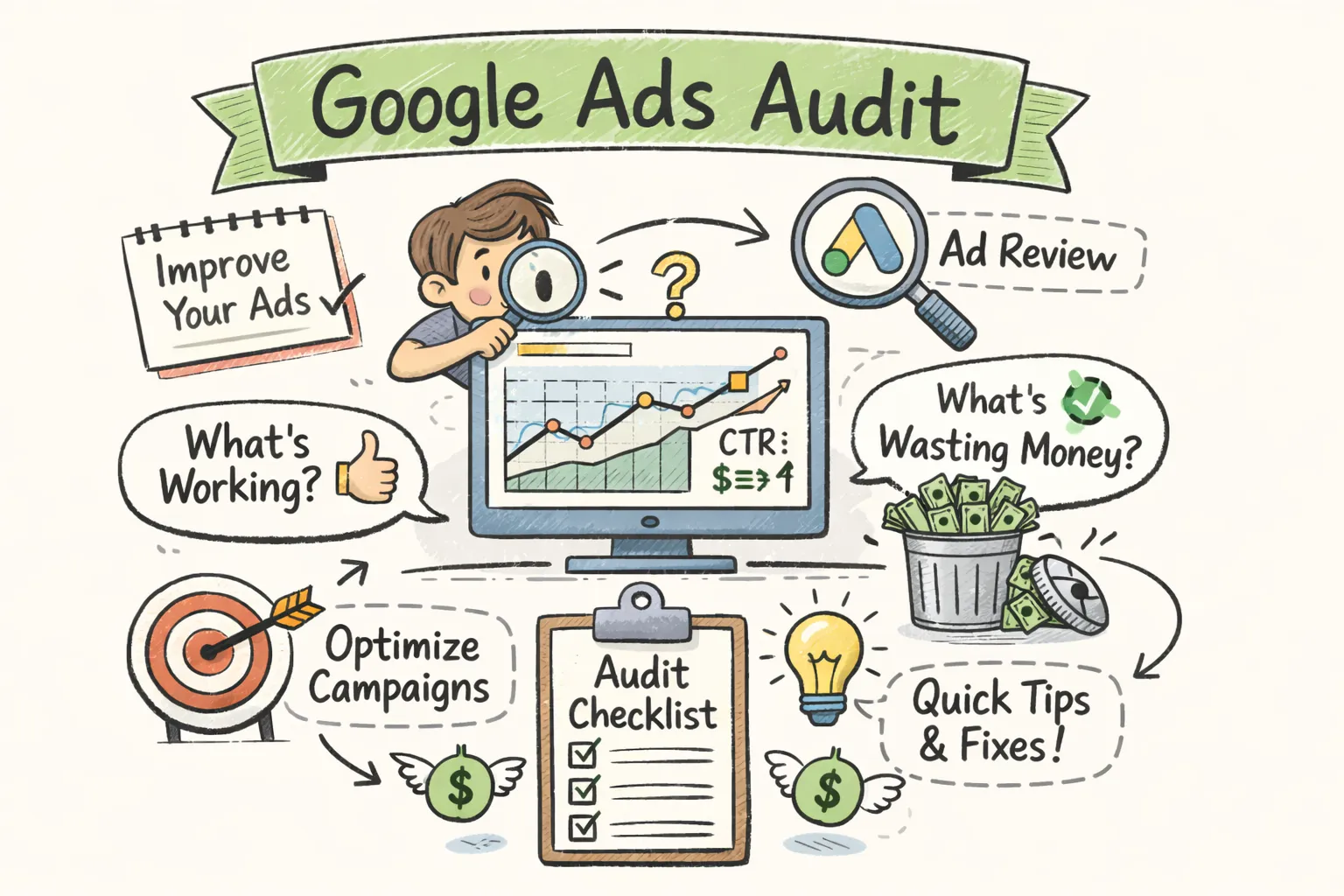
Most Google Ads accounts are actively wasting between 10 and 30 percent of their budget on clicks that will never convert. According to a widely cited analysis of Google Ads performance data, poorly managed accounts can burn through as much as 76 percent of spend on non-converting traffic before anyone notices. The problem is rarely the platform itself. It's the account settings, keyword choices, and tracking gaps that quietly drain spend every single day.
Running a Google Ads audit is how you find those leaks before they do more damage. This guide walks through exactly what a Google Ads audit covers, which areas to inspect first, and how tools like CheckMyAds can compress what used to take hours into a prioritized report you can act on today.
What a Google Ads audit actually covers
A Google Ads audit is a structured diagnostic of your entire account. It looks across every layer, from account-level settings down to individual keywords and landing pages, to identify what is underperforming, misconfigured, or simply missing. The output is a clear picture of what is working, what is wasting budget, and what needs to be fixed.
A thorough paid search audit typically spans seven core areas: conversion tracking, account structure, keyword strategy, match types and negative keywords, bid strategies, ad copy and assets, and landing page alignment. Each area connects to the others. A tracking error corrupts your bidding data, which skews your keyword performance, which makes your ad copy decisions unreliable. You can't fix one layer in isolation and expect clean results across the rest.
Are hidden account issues quietly draining your budget?
CheckMyAds surfaces the exact keywords, components, and cost drivers behind waste so you know what to fix first.
Request Free AuditMost advertisers treat audits as a one-time event, usually when something goes wrong. That is the wrong approach. A quarterly review at minimum keeps the account aligned with business goals, while monthly or bi-monthly check-ins catch waste before it compounds. Accounts using automated bidding or Performance Max campaigns require even more frequent reviews, because the algorithm operates on whatever data you give it, good or bad.
Why skipping regular account reviews burns your budget
Industry data consistently shows that irrelevant search terms triggered by unchecked broad match keywords, missing negative keywords, and poor account structure collectively drive the majority of wasted spend. For practical examples of common wasted spend traps and how they happen, several recent analyses lay out the usual failure points. Without regular audits, these issues compound. A broad match keyword that triggers off-topic queries today becomes a significant budget drain by next month, and the damage accumulates silently in the background.
Google defaults campaigns to include Search Partners and the Display Network. For many advertisers, these placements deliver low-quality traffic at a cost that rarely justifies the budget. Similarly, Smart Bidding strategies bid aggressively on signals you may not have reviewed in months. Knowing what the defaults do, and auditing them regularly, puts you back in control of where your money actually goes.
There is also the data decay problem. Algorithms learn from your conversion history. If that history contains duplicate conversions, misfiring tags, or miscategorized actions, the algorithm optimizes toward the wrong outcomes. Fixing a tracking error does not instantly repair the damage. Smart Bidding can take three or more weeks to recalibrate after you clean up the data, which means the cost of delay compounds well beyond the original mistake.
The key areas every Google Ads audit must inspect
Conversion tracking
Start with conversion tracking. It is non-negotiable. If the data feeding your bidding strategy is inaccurate, every other optimization decision you make is built on a flawed foundation. Check that conversions are firing correctly, that you are not double-counting actions, and that your primary conversion goal reflects actual business value. A form submission tracked twice looks like double the leads, which causes Smart Bidding to overspend chasing a metric that does not exist.
Account structure
Account structure comes next. Overlapping campaigns and duplicated keywords create internal competition that inflates your own costs. Two campaigns targeting the same audience with similar keywords bid against each other in the same auction, driving up the price you pay for your own traffic. A clean structure also makes performance data easier to read accurately, which matters when you are making budget allocation decisions.
Keyword hygiene
Keyword hygiene is where most budgets leak. Audit your search terms report for irrelevant queries, check that broad match keywords have supporting negative lists, and identify low-performing keywords that have accumulated cost without contributing conversions. Adding even a modest negative keyword list can reduce wasted spend immediately. Also check for brand terms cannibalizing non-brand campaign budgets, a common oversight that inflates ROAS artificially and masks the true cost of acquiring new customers.
Bid strategy and ad copy
Bid strategy should match your campaign's data maturity. Smart Bidding needs sufficient conversion volume to function reliably. Below 30 to 50 conversions per month, it often misfires and makes erratic decisions based on too little signal. For ad copy, check that every ad group has at least two variants being tested, that assets are varied, and that headlines reflect the intent of the keywords they serve. Landing page alignment closes the loop: if the page a visitor lands on does not match what the ad promised, your Quality Score suffers and your conversion rate pays for it.
Benchmark numbers to judge what you find
Without benchmarks, audit findings lack context. According to WordStream's 2025 Google Ads benchmarks, the average CTR sits at 6.66 percent and the average conversion rate at 7.52 percent across all industries, though variance across sectors is substantial. Arts and entertainment averages over 13 percent CTR, while dental services hover near 5.4 percent. Knowing your industry's typical range tells you whether a 4 percent CTR signals a problem or simply reflects the norm for your market. For an industry-by-industry breakdown you can compare against published benchmarks per industry for 2025.
A Quality Score below 5 is a red flag that warrants immediate attention. Moving from a score of 5 to 7 can reduce your CPC by 10 to 15 percent, which compounds significantly over time when multiplied across hundreds or thousands of clicks per month. For CPA, the 2025 average across industries is approximately $70, but legal services can exceed $130. Compare your numbers against sector benchmarks rather than global averages for a fairer read on account health.
CPC has also risen sharply. The 2025 average of $5.26 represents a 12.88 percent year-over-year increase, and that trend shows no sign of reversing. Higher CPCs make account efficiency more important than ever. The accounts that absorb rising costs without losing margin are the ones with clean structures, tight keyword lists, and accurate tracking. For overall search market context, review recent search benchmarks. Spending more to compensate for waste is not a strategy.
How to prioritize the fixes you find
Not every audit finding carries the same weight. Fix conversion tracking errors first: they corrupt your data and distort bidding. Add high-confidence negative keywords next, as they reduce waste immediately with minimal effort. Pausing or adjusting keywords with high spend and zero conversions over 30-plus days is another low-effort, high-impact move that most beginners overlook entirely.
For fixes that require more work, like restructuring campaigns or rewriting ad copy, use a simple impact-versus-effort framework. The ICE method works well here: score each finding on Impact, Confidence, and Ease, then rank by the combined score. High-impact, low-effort items always come first. Campaign restructuring might unlock significant gains, but it belongs on a 60-to-90-day plan, not week one. This framework turns a long audit list into a realistic action roadmap rather than an overwhelming backlog.
The practical order for most accounts looks like this:
- Week 1: Fix conversion tracking, add priority negative keywords, pause zero-conversion keywords
- Weeks 2 to 4: Review bid strategies, audit placement exclusions, test new ad variants
- Month 2 onward: Campaign restructuring, landing page improvements, Quality Score optimization
Consider this your baseline paid search audit checklist. It won't cover every edge case in a complex account, but it addresses the issues that drive the most waste for most advertisers.
Running the audit manually vs. using a Google Ads audit tool
A thorough manual Google Ads audit takes an experienced analyst anywhere from two to five hours per account. Even then, it is easy to miss patterns that only become visible when you analyze large data sets systematically, such as recurring irrelevant search terms across multiple campaigns or gradual Quality Score decay over months. Manual reviews also rely on the auditor knowing exactly what to look for, which is a real limitation for beginners or busy in-house teams with limited PPC audit experience.
Automated Google Ads audit tools scan 40 to 50-plus data points simultaneously and surface findings in minutes rather than hours. CheckMyAds was built specifically for this: it connects via read-only access to your Google Ads account, analyzes campaigns across Search, Display, Shopping, Performance Max, Video, and Demand Gen, and delivers a prioritized report with concrete fixes ready to act on. There is no guesswork about what to check or where to start. The report tells you what is broken, how much it is likely costing you, and what to fix first.
The difference in output quality matters too. CheckMyAds flags quantifiable issues such as low Quality Scores, missing negative keywords, invalid conversion tracking, and budget misallocation based on real account data, not a generic AdWords audit template pulled from a blog post. A manual audit can go deeper on strategy and nuance, but for identifying the high-impact, fixable problems that drive the most waste, an automated scan catches more in less time. For a beginner, that speed advantage is the difference between acting this week and still reviewing spreadsheets next month.
Start with the audit, then act on what you find
A Google Ads audit is not a one-time project. It is the ongoing practice that separates accounts that consistently improve from those that slowly erode. Start with conversion tracking, work through keywords and bid strategies, and always benchmark your findings against industry data before drawing conclusions. The context matters as much as the numbers.
The prioritization framework is what makes an audit actionable. A long list of findings with no clear order creates paralysis. An ICE-scored list with quick wins at the top creates momentum. Fix the tracking, add the negatives, pause the dead weight, then move into the longer structural work with confidence that the foundation is solid.
Most accounts running their first Google Ads audit uncover at least one significant tracking error and several high-cost, zero-conversion keywords within the first report alone. If you want to skip the manual legwork, CheckMyAds runs the full analysis in minutes and hands you a prioritized list of fixes at no cost to start. The wasted spend you uncover will show you exactly what doing nothing was costing you all along.